
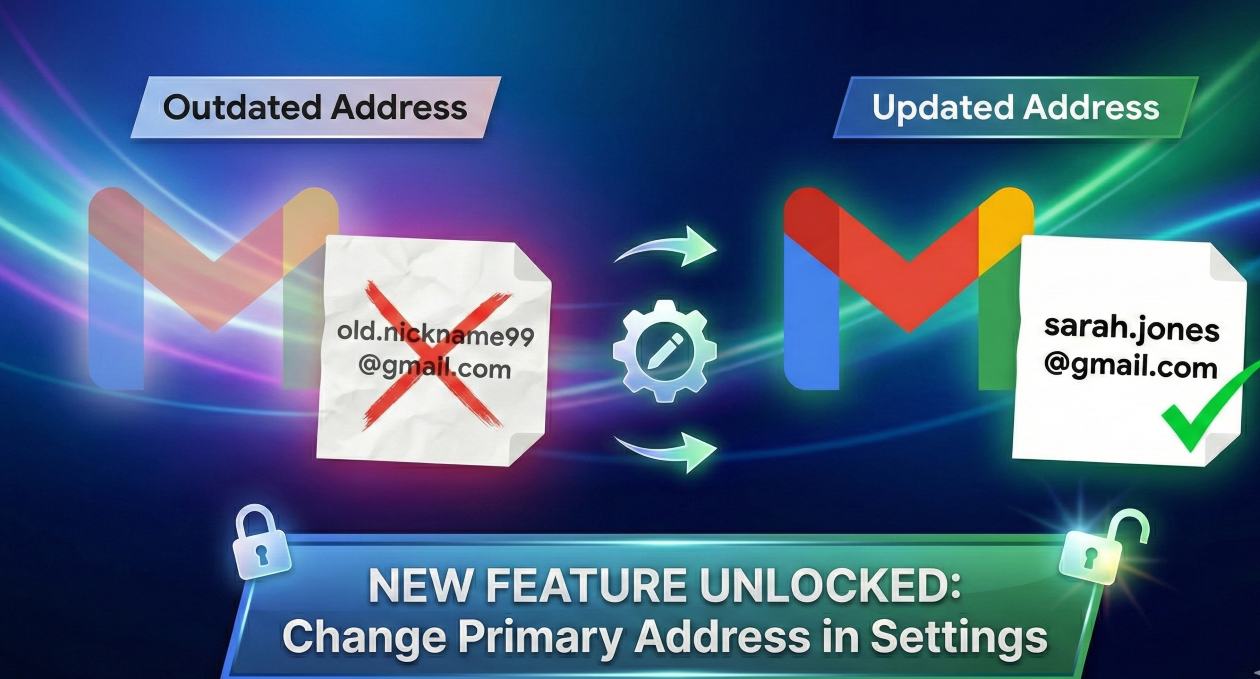
Google’s Gmail is one of the most popular email service provider. It provides a unique Gmail address for every Google user. But this address could not be changed till now. Earlier to change the address, the users need to create a new Gmail account. For years, one of the most persistent requests from Google users has been a simple one: “How can I change my Gmail address without creating a whole new account?” Until very recently, the answer was a frustrating “You can’t.”
If you made an email address years ago that no longer suits you, contains an old nickname, or is just too long. Your only option was to go through the long process of creating a brand new Google Account and manually transferring your data.
I am excited to tell you that as of January 2026, Google has begun rolling out a long-awaited feature that allows you to change your primary @gmail.com address directly.
This is a significant update that simplifies managing your online identity. Here is a detailed guide on how to change your @gmail address, its important limitations, and what you need to know before you make the change.
Steps to change Gmail Address from your Mobile
If this new feature has reached your account, you can now update your Gmail address right from your Google Account settings. Because this is a recent rollout, please be aware that the option might not appear for everyone immediately.
Here are the steps to verify if you have the feature and to make the change:
- Open your Google app, and click on your Profile Picture on the Top Right corner.
- Now click on manage your google account.
- You will see Personal info option, where you will be to change various type of information.
- Scroll down and click on Email.
- Tap on Google Account email.
- Look for a new option that says “Change Google Account email.”
- If you see this button, click it, enter your new desired username, and follow the on-screen instructions to verify the change.
Note: If the “Change” button is not visible, the feature has not yet been rolled out to your specific account. You will need to check back at a later date.
Important Rules and Restrictions
Before you rush to change your email, it is crucial to understand the limitations Google has placed on this feature to prevent abuse:
- Frequency Limit: You can only change your primary email address once every 12 months.
- Lifetime Limit: Most accounts are restricted to a total of three changes over the entire lifespan of the account. Choose your new address carefully.
What Happens to Your Old Address?
This is perhaps the best part of the new feature. When you change your primary address, you do not lose your old one.
Your previous Gmail address automatically becomes an email alias for your account. This means:
- You Will Not Miss Emails: Any emails sent to your old address will still be delivered to your inbox. You don’t have to worry about updating every single online account immediately.
- Flexible Sign-In: You can continue to use either your old email address or your new one to sign in to all Google services, such as YouTube, Google Drive, and Maps. Your password remains the same.
Alternatives If You Don’t Have the Feature Yet
If you do not see the option to change your address, or if you prefer a different approach, the traditional methods are still available:
- Change Your Display Name: If your only issue is that the wrong name appears when you send emails, you can change your “Send mail as” name in Gmail settings without altering your actual email address.
- Create a New Account: You can still create a completely new Gmail account. You can then set up email forwarding from your old account to the new one to ensure you don’t miss any messages.
This update is a welcome change that offers much-needed flexibility for Google users. I recommend everyone check their Google Account settings to see if this feature is available to them. If you face any problem, kindly leave a reply to this post.